Live activities for every agent
The closed notch grows little wings: a pixel mascot while an agent works, a nudge when it needs you, a tick when it’s done. Hover to approve right there.
Brim 1.0 is here
Drive Claude Code and Codex, chat on the AI plan you already pay for, and keep lyrics, sales and your clipboard one hover away.
One-time purchase. macOS 14 or later. 7-day money-back.
Already bought? Download the Mac app · Activate license
Scroll to look closer
New in Brim
Start Claude Code, Codex and 19 other agents from the notch, or let Brim find the ones already running in your terminal. Read along, answer questions and approve commands without switching windows.
The closed notch grows little wings: a pixel mascot while an agent works, a nudge when it needs you, a tick when it’s done. Hover to approve right there.
Permission prompts, plan reviews and questions show up in the notch. Allow with ⌘Y, deny with ⌘N.
One click adds small hooks so agents you started in Terminal, iTerm or Ghostty appear live, and their prompts can be answered from the notch.
Switch model, plan mode or thinking effort per session. Interrupt with esc, just like the CLI.
Works with 21 agents
Ask Brim chats on your ChatGPT or Claude plan, any API key, or Apple’s own models, on your Mac or in Private Cloud Compute. Pick a model and how hard it should think.
Your ChatGPT plan
Sign in with ChatGPT through Codex and chat on the plan you already pay for.
Your Claude plan
Signed in to Claude Code? Ask Brim uses that same Pro or Max plan.
Apple Intelligence
Apple’s on-device model. Nothing you type leaves the Mac.
Private Cloud Compute
Apple’s larger model for the harder questions, with Apple’s end-to-end privacy.
Any API key
OpenAI, Anthropic, Gemini, xAI, Llama or OpenRouter. Keys stay in your Keychain.
The tools you’ll open most, each one springing out of the notch.
Now Playing
Spotify or Apple Music with time-synced lyrics from LRCLIB. Tap a line and the song jumps there.
BuyAI Usage
Limits, pace and spend for Claude, Codex, Cursor, Copilot, Gemini, Antigravity, Devin, Grok, Ollama, OpenCode, OpenRouter and Z.ai. Brim warns you before you hit one.
BuySales
Stripe, Shopify, Lemon Squeezy, Gumroad, Dodo, Polar and Paddle in one total. Read-only keys, kept in your Keychain.
BuyClipboard
Links, colours, images and files, each with a proper preview. Search, filter and pin the things you paste every day.
BuyShelf
Files wait on the shelf for as long as you choose. Drag them back out, or AirDrop them to a nearby device.
BuyTimers
Timer, stopwatch and Pomodoro in 25/5, 50/10 or 90/20, with brown, pink or white noise, or your own music.
BuyTeleprompter
Your words scroll just under the camera. Change the speed and opacity, or scroll it by hand mid-take.
BuyShortcuts
Search and run any Apple Shortcut straight from the notch, without opening the Shortcuts app.
BuyHover the notch and pick a tab. Twenty-plus tools, each a click away, and the ones you don’t use stay out of the tab bar.
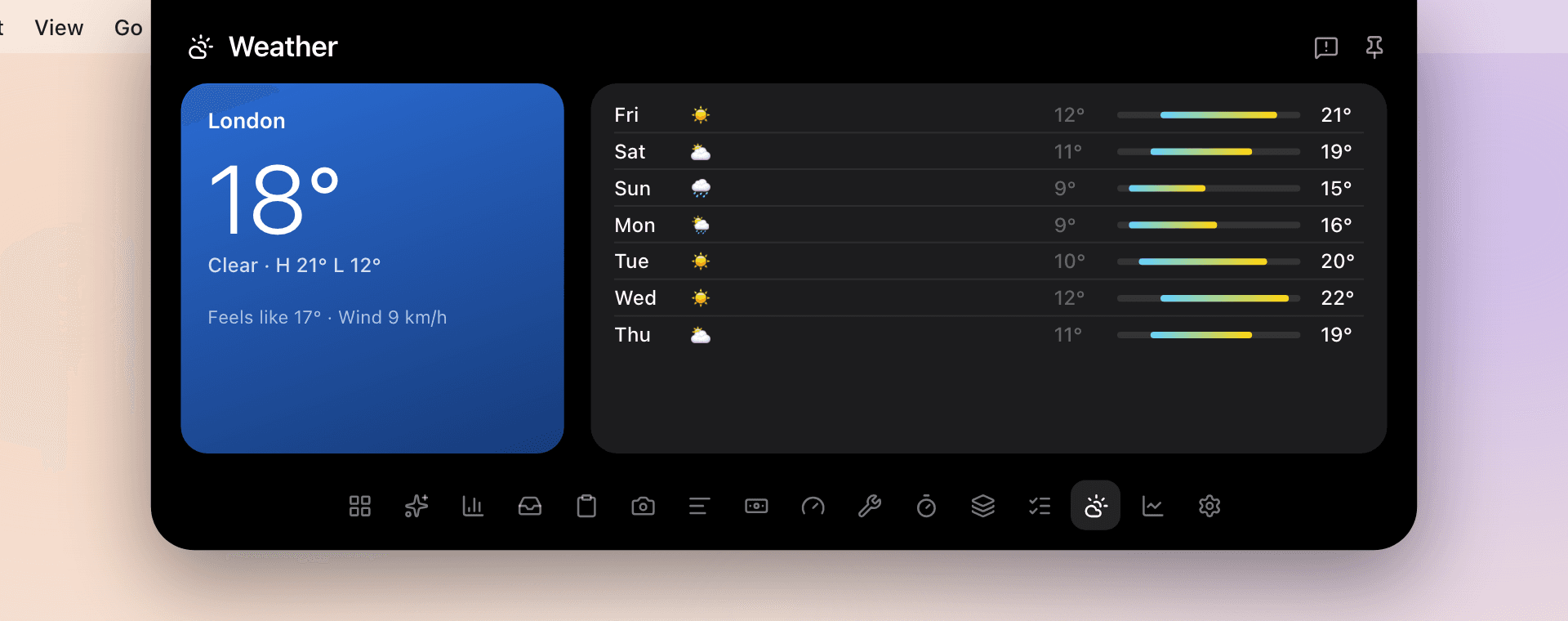
Conditions where you are and the week ahead.
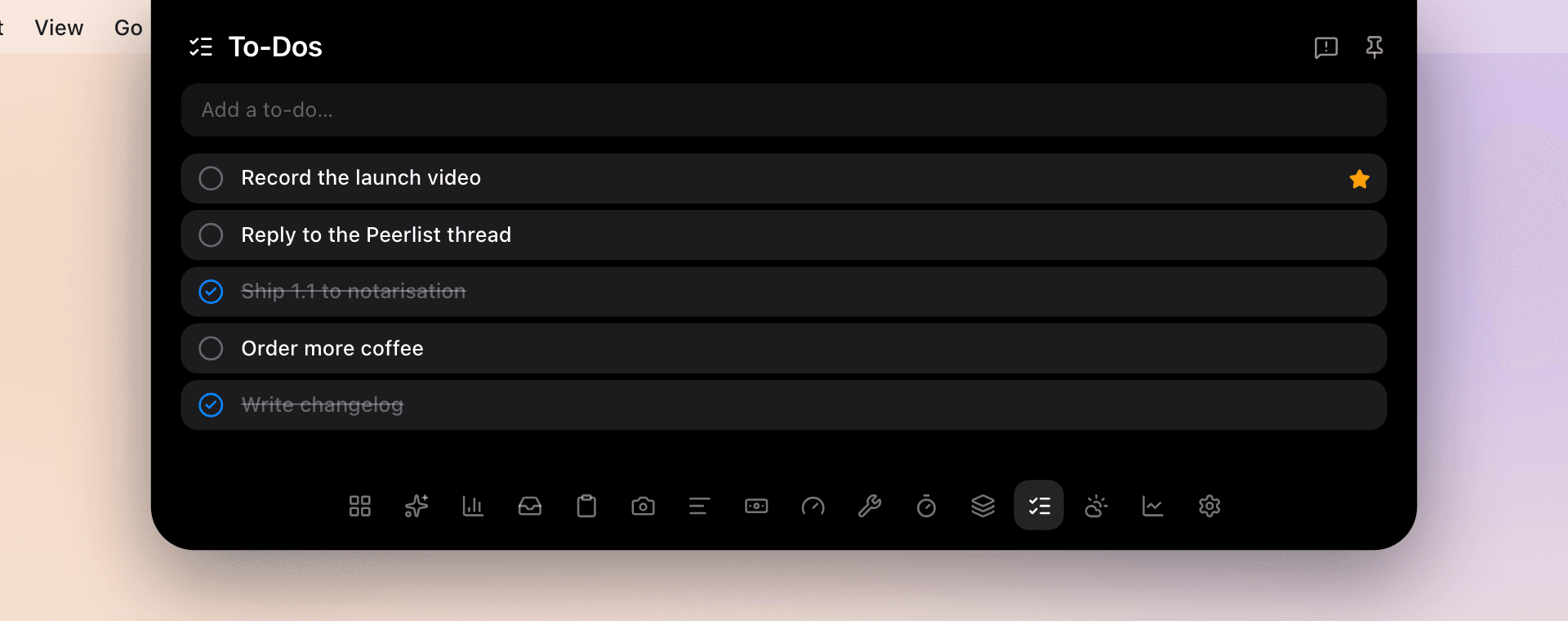
Type a to-do, star what matters, tick it off.
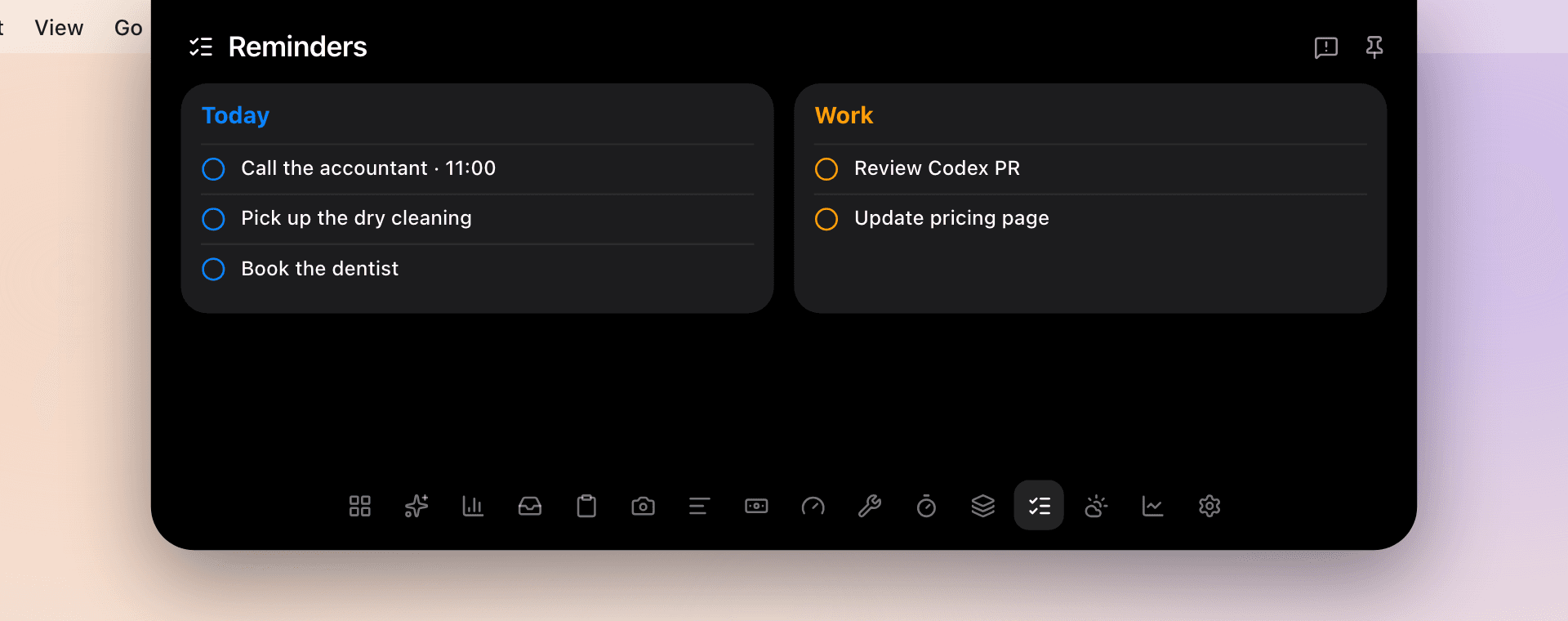
Your Apple Reminders, one click from done.
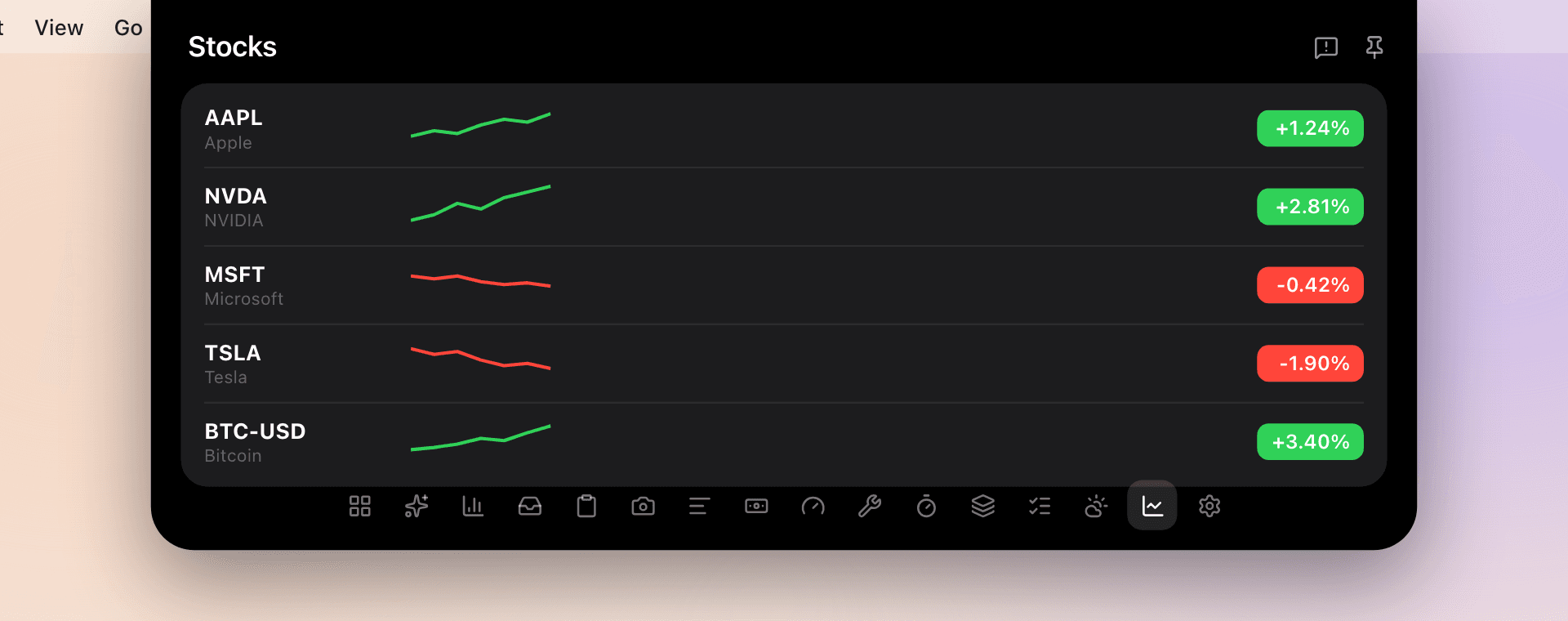
A watchlist with live prices, the day’s move and a sparkline.
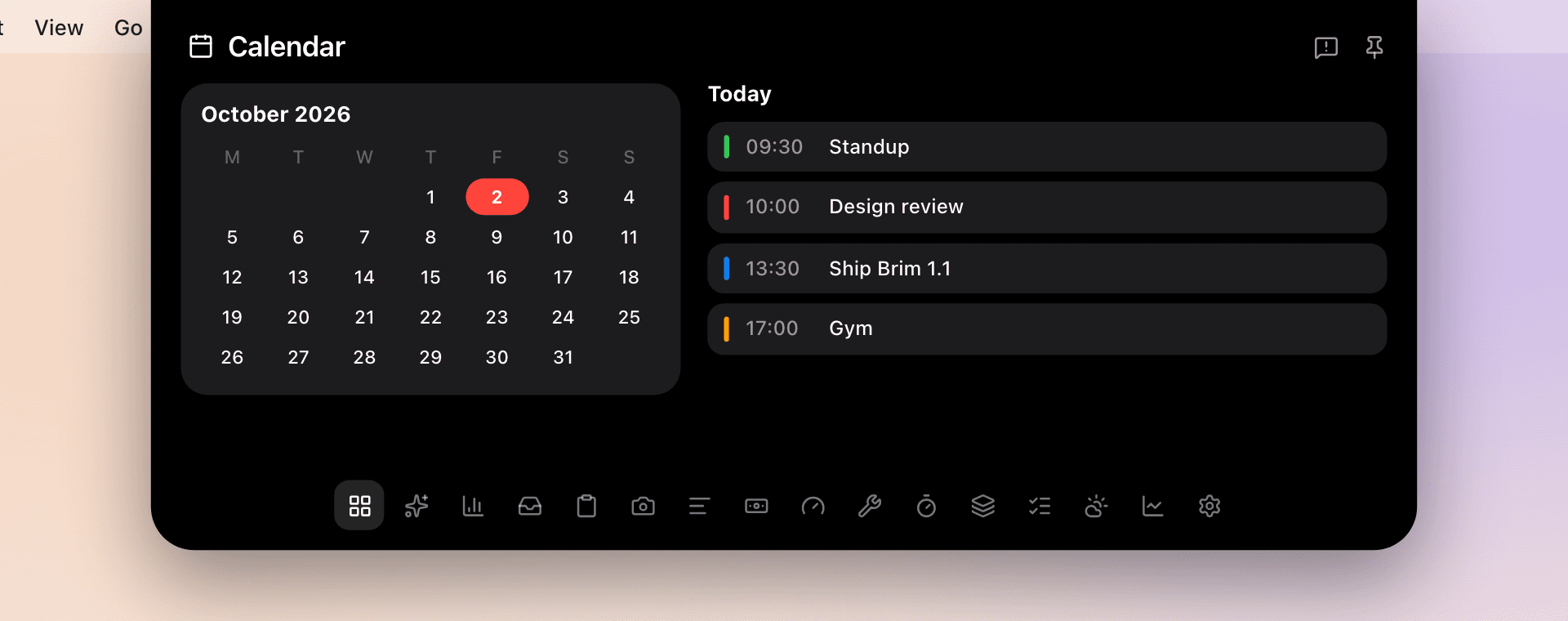
The month at a glance beside today’s events.
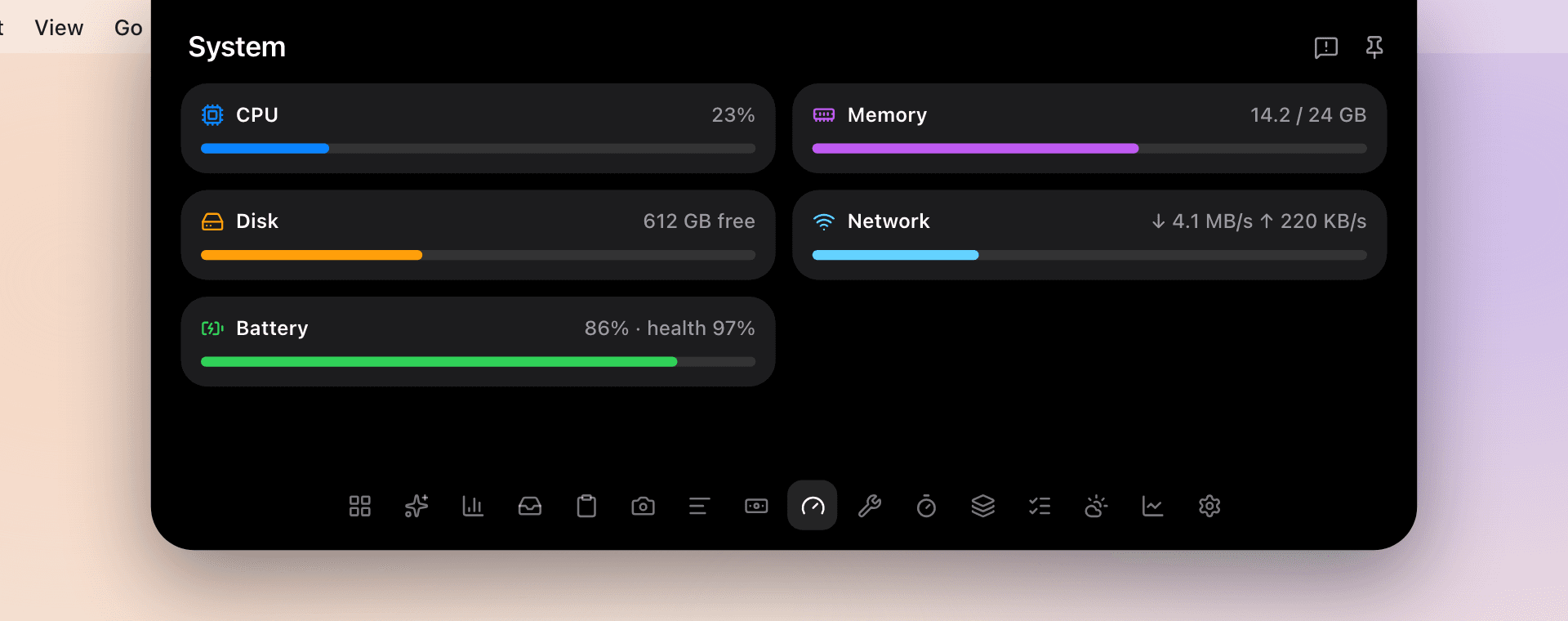
CPU, memory, disk, network and battery health.
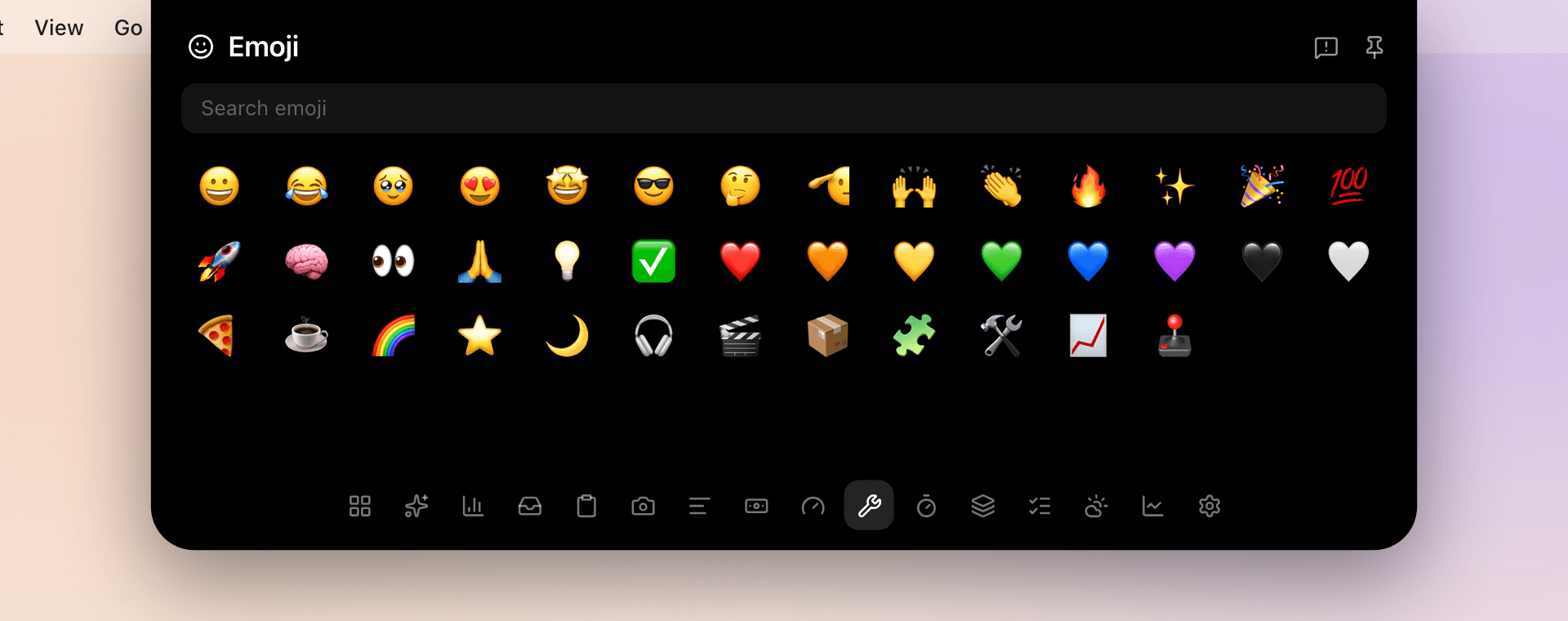
Search every emoji and drop one in with a click.
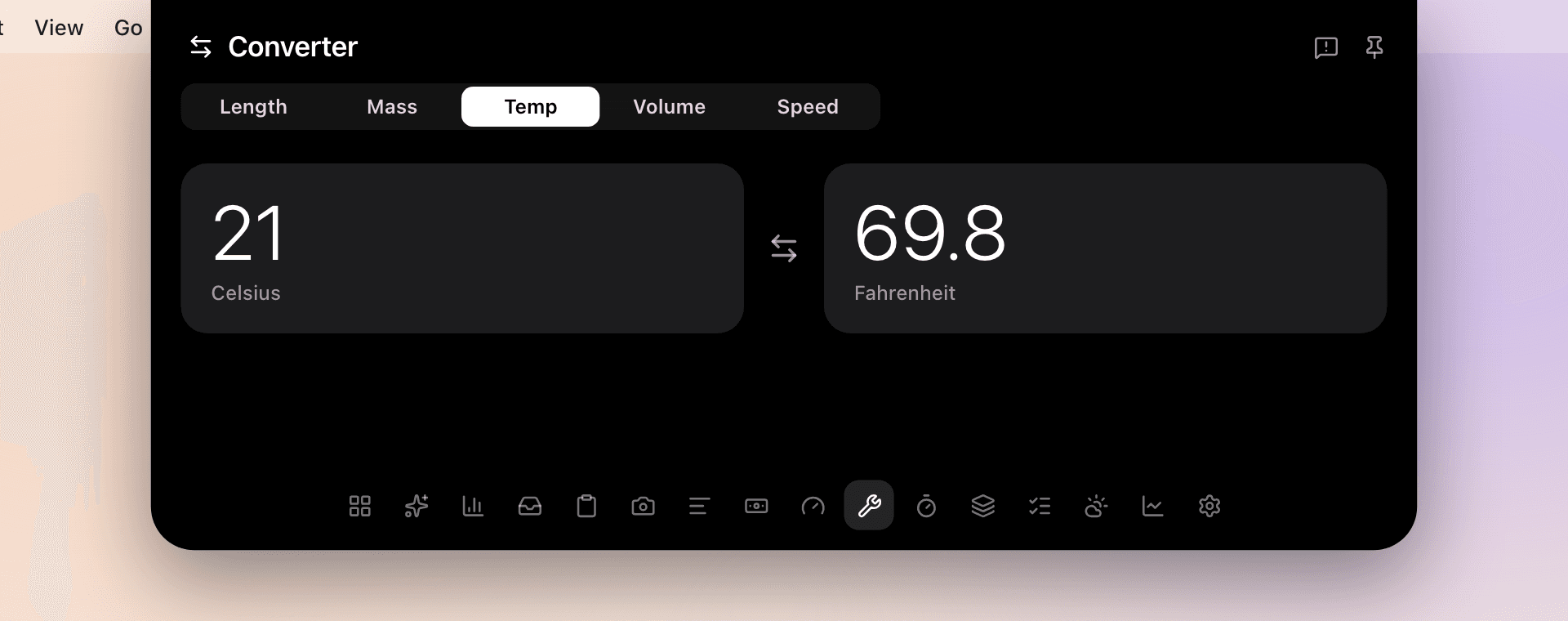
Length, mass, temperature, volume and speed.
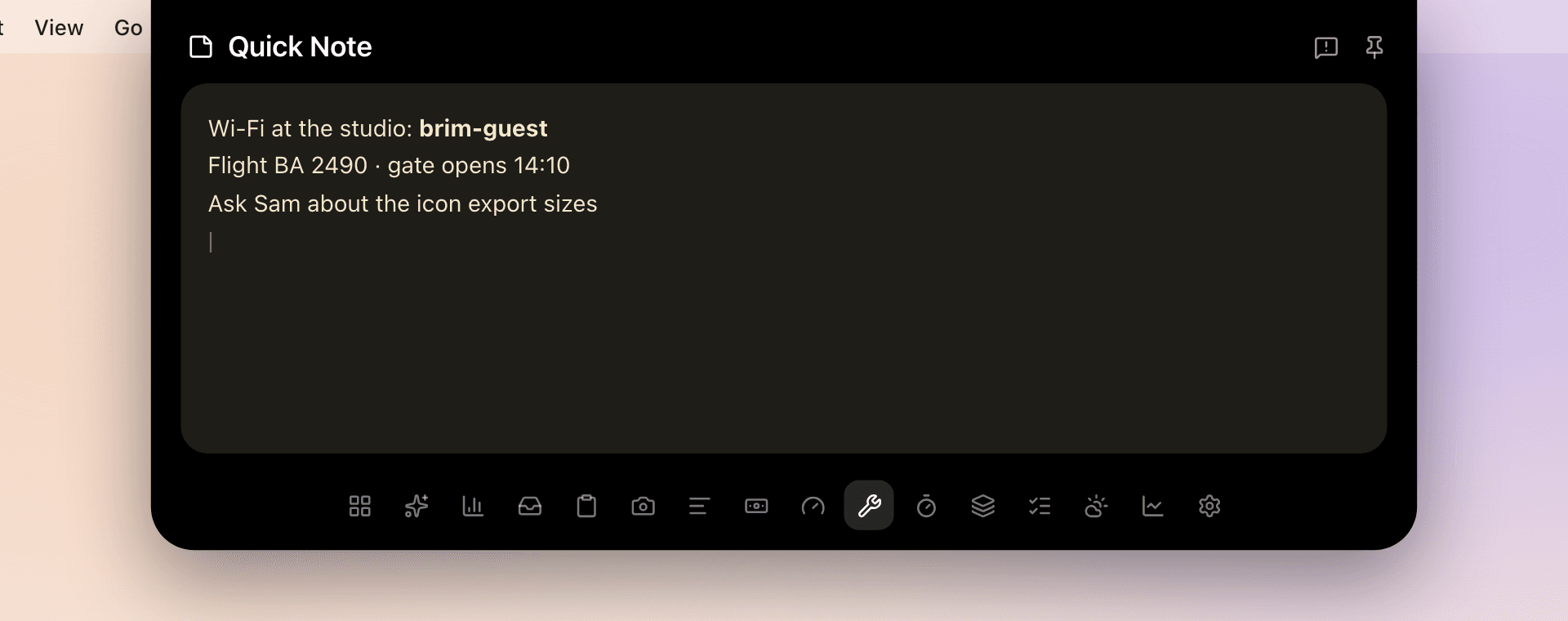
A scratch pad for the thing you need in a minute.
One shortcut opens and closes the notch from any app. Prefer the pointer? Hover the notch, or set it to open on click.
Open or close the notch
Works from any app, even with the notch hidden in full screen.
Close it
Esc closes Brim from anywhere inside it.
Open Settings
Display, tabs, AI and behaviour, right in the notch.
Answer an agent
Allow or deny the waiting request without touching the mouse.
Or use the pointer
Rest it on the notch, or switch to open on click.
Every shortcut you’ve made, in a searchable list. Click one and it runs.
The notch steps aside while a full-screen app or video is on its display. ⌃⌥⌘ still opens it.
Choose the tabs, the screen, the size and the behaviour. Settings open inside the notch, one ⌘, away.
Turn tabs on or off and drag them into your order. Everything else waits under More tools.
Pick the display the notch lives on and a size for each. Macs without a notch get a drawn one.
Hover delay, the shortcut, hiding in full screen, haptics and which live activities show.
Music, timers, agents, sales or charging: decide what the closed notch is allowed to show.
Every tool the others have, plus the ones they don’t: agent control, agent live activities and chat on the AI plan you already pay for. For $4.99, once.
 Brim$4.99 forever Brim$4.99 forever | OOmniNotch$5 sale, then $15 | NNotchNook$25 | AAlcove~$15 | BBoring NotchFree | |
|---|---|---|---|---|---|
| AI and agents | |||||
| Drive coding agents from the notchClaude Code, Codex and 19 more: transcript, approvals, questions | |||||
| Agent live activitiesWorking, needs-you and done, in the closed notch | |||||
| Chat on your ChatGPT or Claude planNo API key needed | |||||
| Bring any API keyOpenAI, Anthropic, Gemini, xAI, Llama, OpenRouter | |||||
| Apple Intelligence chatOn device and Private Cloud Compute | |||||
| AI usage limits and spend | |||||
| Everyday tools | |||||
| Now Playing with synced lyrics | |||||
| Clipboard history | |||||
| File shelf with AirDrop | |||||
| Store sales in the notch | |||||
| Timers and Pomodoro | |||||
| Teleprompter and camera mirror | |||||
| Weather, stocks and converter | |||||
| Ownership | |||||
| One payment, updates forever | |||||
| No account, no telemetry | |||||
| Works on Macs without a notch | |||||
Based on each app’s publicly documented features and prices as of October 2026. Names belong to their owners.
Brim works on your Mac. No account, no cloud sync, no telemetry. Read the privacy policy.
Still wondering about something? Email help@brim.app.
Lifetime license
$4.99
Not a sale. This is the price, for good.
Other notch apps launch cheap and climb. Brim is $4.99 today and $4.99 next year, with every update included.
Buy the pieces separately and you’re well past Brim.
That’s about $34 for four jobs, before AI chat, the clipboard, the shelf, lyrics, weather or stocks.
Already purchased? Download Brim or find your license.
Prices in USD. Checkout by Stripe: just your email and card, no account. Local taxes may apply.
Your license key arrives the moment you pay. Paste it once and Brim unlocks on up to 3 Macs, online or off.
$4.99, once. Enter your email and pay. No account to make.
Your key and the download appear right after checkout, and in your inbox.
Paste the key. It unlocks Brim on up to 3 Macs and keeps working offline.